
Simulation AV using Video Conferencing
Healthcare Simulation Audio-Visual Using Video Conferencing (Teams/Webex/Zoom)
This page is being developed to provide resources for DIY AV systems for use in healthcare simulation. Please note that any Amazon links on this page are affiliate links and will provide is with a small commission to the page owners. This does not affect the price that you pay for goods but helps support this page.
Camera Selection
When selecting cameras for a healthcare simulation DIY AV system, the decision should balance quality, functionality, and budget. For basic setups focused on simple streaming or recording, a standard USB webcam can often provide sufficient clarity, especially when paired with proper lighting and positioning. However, in environments where high-quality audio and clear group communication are essential a more advanced, integrated solution is preferred. The Logitech MeetUp with Expansion Mic stands out as the optimal choice due to its wide field of view, superior image quality, and exceptional built-in microphone performance. Its all-in-one design simplifies setup and minimizes cabling, while the expansion mic ensures clear audio pickup around simulation beds and in larger rooms. Ultimately, while a basic webcam can “get the job done” for smaller, single-user stations, the Logitech MeetUp (or similar camera with external mic) offers a professional-grade experience better suited for multi-participant simulation environments and future scalability.
| Image | Product | Features | Price |
 |
Logitech MeetUp and Expansion Mic HD Video and Audio Conferencing System for Small Meeting Rooms – Black |
The Logitech MeetUp with Expansion Mic has shown to be one of the best value camera options when needing a camera solution with both a speaker and an external mic. The mic can be positioned directly over the bed for crystal clear in-room audio. Attach to ceilings with Command Strips or a 3D printed mount. |
$687.38
|
 |
LDKCOK USB 2.0 Type A Male to A Female Active Repeater Extension Cable 30ft, High Speed 480 Mbps (30FT-10M) |
Active USB extension cable allows for use of the camera at longer distances from the control PC. In many cases, we place the video conference computer in the control room to assist with on the fly adjustments. |
$14.99
|
Control Room Audio
In a healthcare simulation control room, clear and flexible audio control is essential for both realism and communication. The setup should include two dedicated microphones—one designated for the manikin voice and the other for video conferencing or “voice of god” communication into the simulation room. This dual-mic approach allows the operator to maintain separate, clean audio channels for interacting with learners and for running the manikin’s dialogue or clinical cues without interference. To support multiple team members, an audio amplifier and splitter should also be integrated into the system. This enables several operators or observers to connect individual headsets, each with independent volume control, ensuring everyone can monitor and communicate effectively without disrupting the simulation flow. Together, this configuration enhances clarity, realism, and control during complex scenarios or multi-disciplinary training sessions.
| Image | Product | Features | Price |
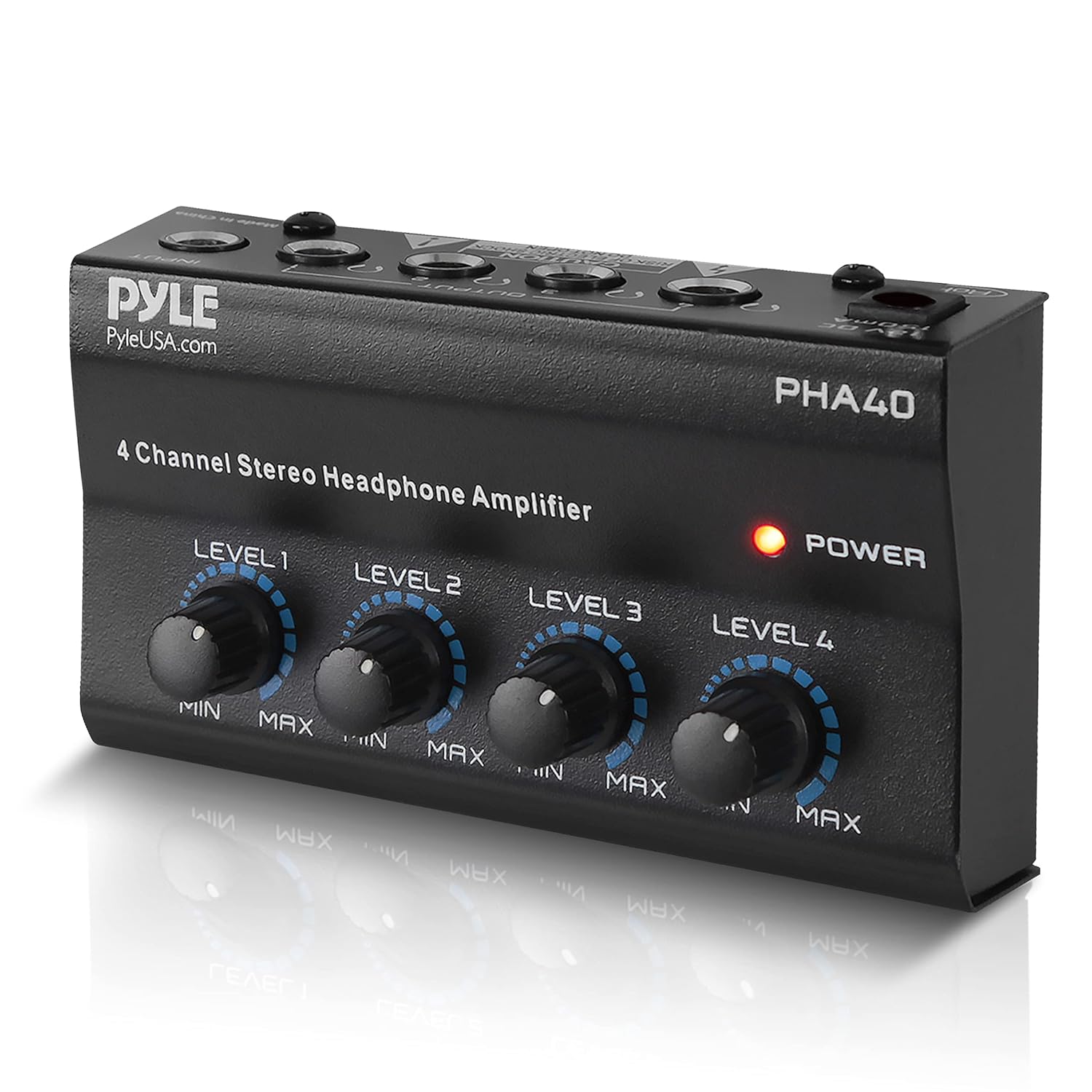 |
Pyle 4-Channel Portable Stereo Headphone Amplifier – Professional Multi Channel Mini Earphone Splitter Amp w/ 4 ¼” Balanced TRS Headphones Output Jack and 1/4″ TRS Audio Input For Sound Mixer |
Allows multiple faculty and simulation staff to monitor simulation room audio simultaneously, each with independent volume control. Designed for use with headsets, it helps prevent audio feedback when using manikin microphones. Connect to video conference computer with 3.5mm to 1/4″ TRS cable. |
$13.93
|
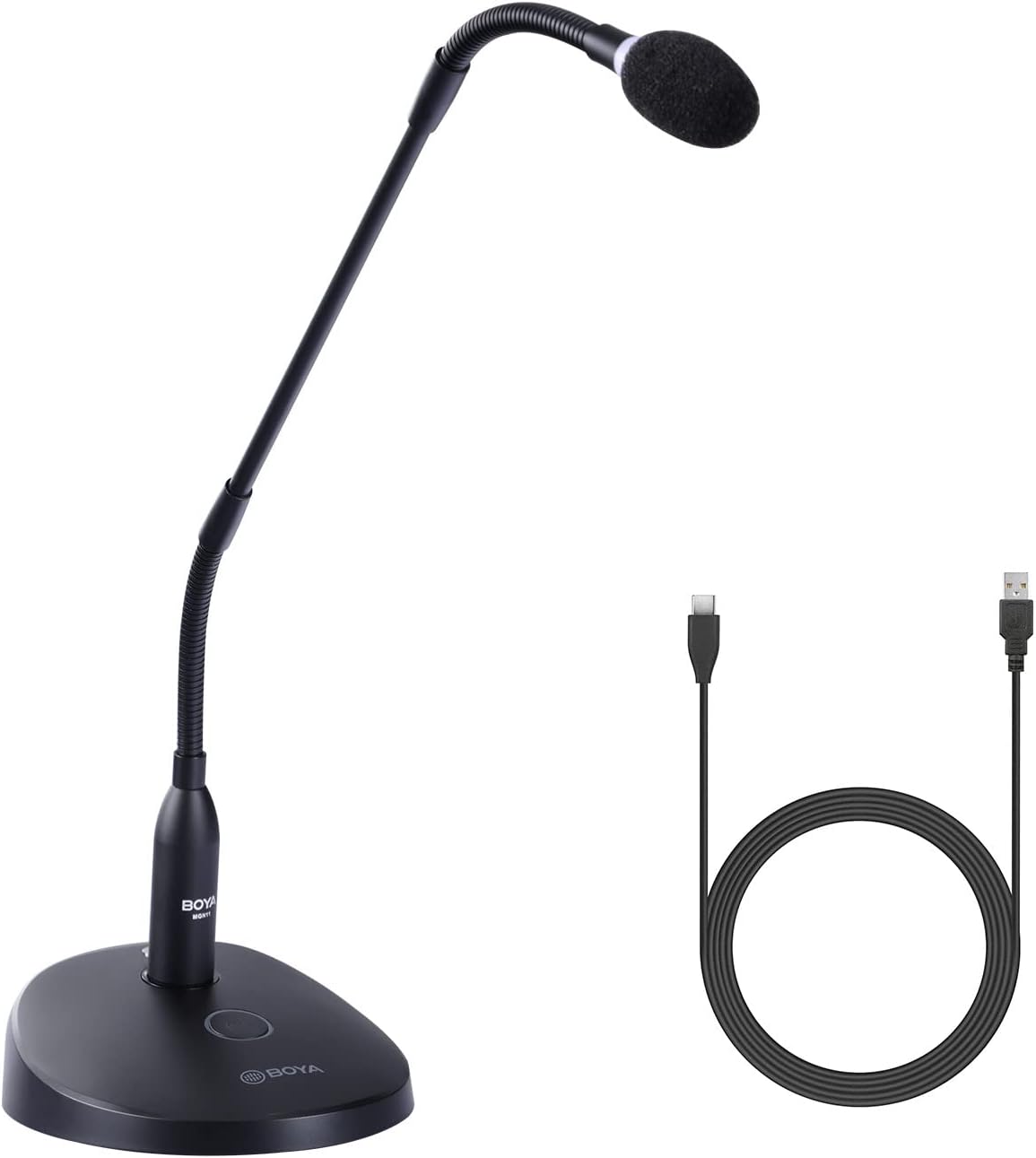 |
BOYA BY-GM18CU 18″ Gooseneck Condenser Microphone with Base USB Podium Microphones for Computer One-Touch Mute |
Each control room will use two USB microphones—one for manikin audio (connected to the simulator computer) and one for “voice of god” communication through the video conference system. Push to talk buttons for quick control without software. Don’t forget to label them “Manikin” and “Room”! |
$69.95
|
 |
Philips Over Ear Wired Stereo Headphones for Podcasts, Studio Monitoring and Recording Headset for Computer, Keyboard and Guitar with 6.3 mm (1/4″) Add On Adapter |
Add up to 4 headsets per station for multiple listeners. Select any headset with 1/4″ TLR adapter. |
$19.99
|
 |
Double Headphones Stand, Aluminum Alloy Desk 3 Headsets Holder Supporting Desktop Earphone Hanger Mount Storage Rack with Heavy Base for Home and Office Display Spacegrey |
Product Features |
$49.00
|
 |
UGREEN 1/8 to 1/4 Stereo Cable 3.5mm TRS to 6.35mm Audio Cable Guitar to Aux Male Cord with Zinc Alloy Housing and Nylon Braid for Guitar, Laptop, Home Theater Devices, Speaker and Amplifiers 6.6FT |
Product Features |
$49.00
|
Other Tech Items
These are some of our favorite tech items. This section is a shameless plug to get referral money.
| Image | Product | Features | Price |
|
|
Anker Solix C1000 Gen 2 Power Station |
1024 Wh battery backup. Works well with many 3D printers to provide piece of mind during longer prints or event printing in areas without traditional power. Serves as uninterruptible power supply (UPS) with 10ms switchover. u003cbru003e |
$449.00
|
|
|
Anker Prime Charger, 100W 3-Port GaN USB C Charger Block, Foldable and Compact |
Go to portable charger for phones, tablets, and laptops. 100W |
$69.99
|
|
|
Anker USB C Cable, 100W Type C Flow Cord, Fast Charging for iPhone 17 Series, MacBook Pro 2020, and More (USB 2.0, 6FT, Black) |
Super flexible and durable 100W charging cable for phone, tablet, and computer. |
$15.99
|
|
|
HP 15.6 inch Laptop, HD Touchscreen Display, AMD Ryzen 3 7320U, 8 GB RAM, 128 GB SSD, AMD Radeon Graphics, Windows 11 |
Bambu Studio works best on a Windows laptop. In the work setting, we run this on a dedicated laptop that is not connected to the network (for security reasons). At home – use any laptop you have available and are comfortable with. |
$409.99
|